
FlowMind User Guide
Welcome to FlowMind! This guide will help you get started with this AI-Native Application Security Platform.
What is FlowMind?
Goal
FlowMind aims to be a unified desktop workbench for security practitioners, eliminating the friction of switching between multiple tools for proxy capture, traffic analysis, and security testing. It consolidates the core workflows of penetration testing and security auditing into a single native desktop application, allowing security professionals to focus on finding issues rather than managing tools.
Benefits
- Full Penetration Testing Lifecycle: Capture traffic → discover vulnerabilities → verify with replay → fuzz test → classify & record → export reports, all in one tool
- Comprehensive Coverage: 28 passive rules + 8 active rules covering OWASP Top 10 risks, with Rhai scripting for custom detection logic
- AI-Native: Multi-provider AI integration, agent orchestration, RAG knowledge base, and attack graph analysis, natively designed to uncover business logic vulnerabilities
- Vulnerability Tracking: Classify each finding as confirmed, fixed, or ignored; add notes and evidence to build an auditable vulnerability ledger
- Beautiful Report Export: Built-in report editor with content clipping and annotations, one-click export to structured JSON and polished HTML reports for professional delivery
System Requirements
| Item | Requirement |
|---|---|
| OS | Windows 10+, macOS 11+, Linux (Ubuntu 20.04+) |
| Memory | 4GB RAM (8GB+ recommended) |
| Disk Space | 500MB+ |
| Browser | Chrome, Firefox, Safari, Edge (for proxy configuration) |
Quick Navigation
Want to get started quickly? Check out the Installation section.
Traffic Capture
- Proxy - Proxy engine configuration and usage
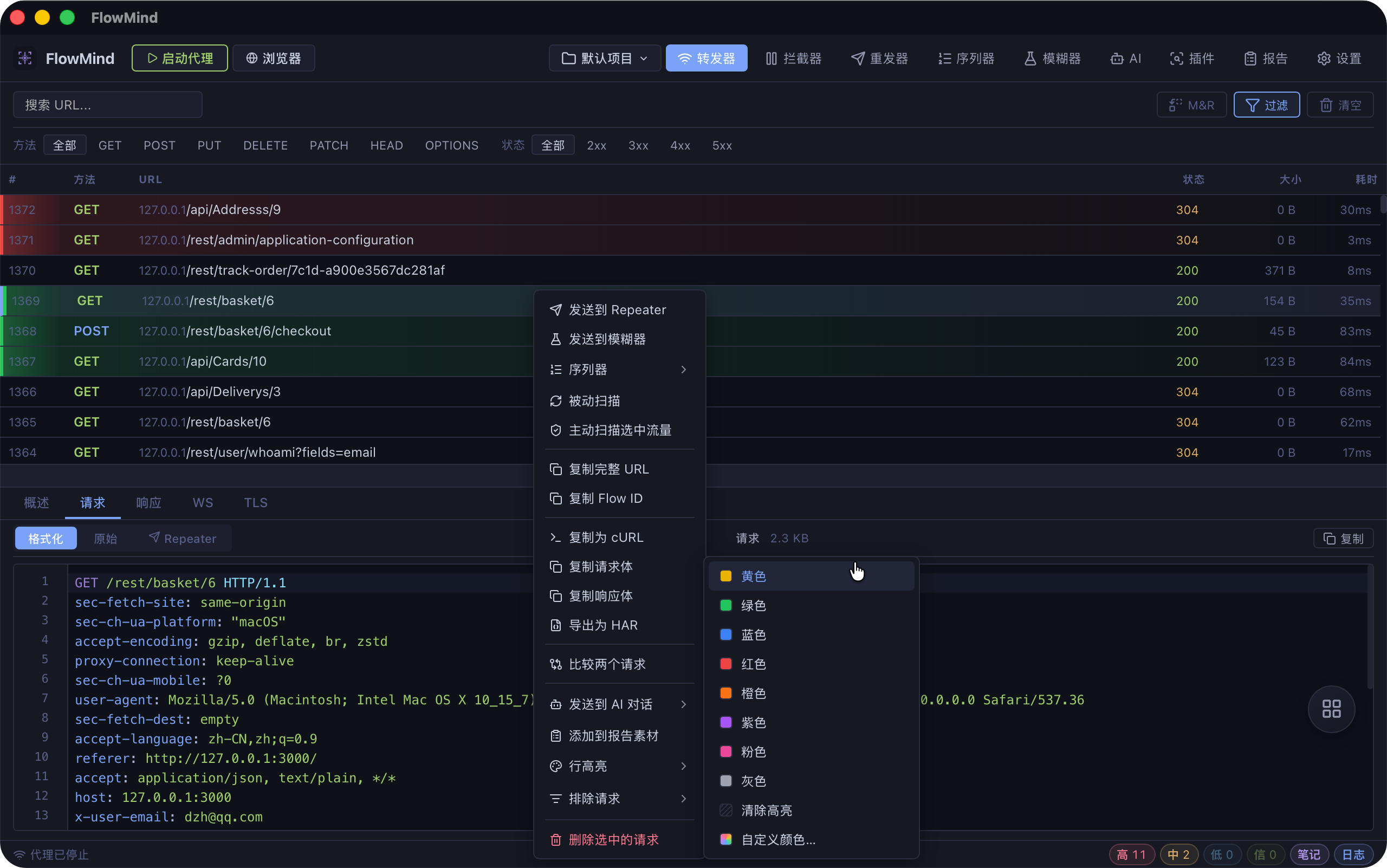
- Forwarder - Real-time traffic viewing and filtering
- Interceptor - Request interception and modification
Security Testing
- Repeater - Request replay and debugging
- Sequence - Multi-step request orchestration and variable passing
- Fuzzer - Fuzz testing configuration and execution
- Plugins - Security scanning rules and tag scripts
AI Analysis
- AI Features - AI security analysis capabilities
Deliverables
Configuration
- Settings - Application configuration options
Getting Help
If you encounter issues, you can get help through:
- Documentation: Browse the sections of this guide
- GitHub Issues: Report product issues
- Docs Issues: Report documentation issues